Igor Aleksandrov
Thursday, April 18, 2024 | 3 minutes
Briefly about Azure AI services
Intro
Azure AI services provide accessible AI capabilities that can be seamlessly integrated into web or mobile applications. These services encompass a range of functionalities such as image recognition, natural language processing, speech recognition, AI-driven search, and beyond. With over a dozen distinct services available, developers can easily incorporate these tools individually or in combination to infuse their applications with powerful AI capabilities.
Azure AI services operate on three principles:
- Prebuilt and ready for immediate use.
- Accessible via APIs.
- Hosted on Azure platform.
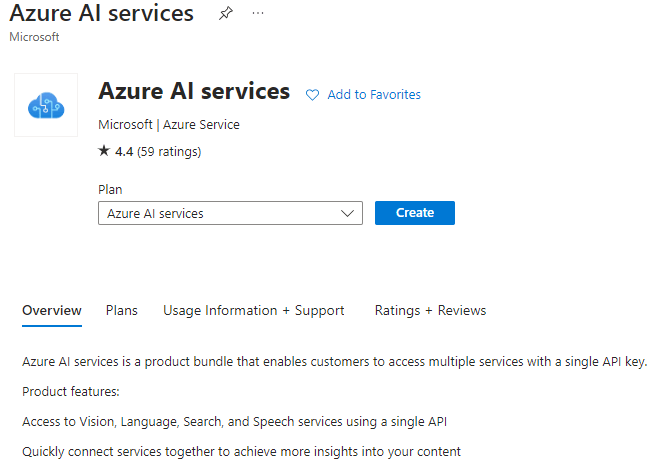
Azure AI services are cloud-based, and similar to other Azure services, you need to create a resource to utilize them. There are two types of AI service resources: multi-service and single-service. Your development needs and billing preferences dictate which type of resource is suitable for you.
Multi-service resource: This resource, created in the Azure portal, grants access to multiple Azure AI services through a single key and endpoint. Opt for this when you require several AI services or are exploring various AI capabilities. With this resource, all AI services are billed together.
Single-service resources: These resources, also created in the Azure portal, provide access to a specific Azure AI service like Speech, Vision, Language, etc. Each AI service has its unique key and endpoint. Use these resources when you only need one AI service or prefer separate cost tracking for each service.
Please note that only single-service offerings have a Free tier.
Authentication within Azure AI services is crucial for access control, allowing only authorized users or services to interact with your AI resources. Utilizing endpoint URLs and API keys, you establish secure channels for authentication and access management. This mechanism ensures the integrity of your AI service by mitigating risks associated with unauthorized access or misuse.
Demo
Go to the Azure portal: Open your browser and navigate to the Azure portal, where you can manage your resources and subscriptions.
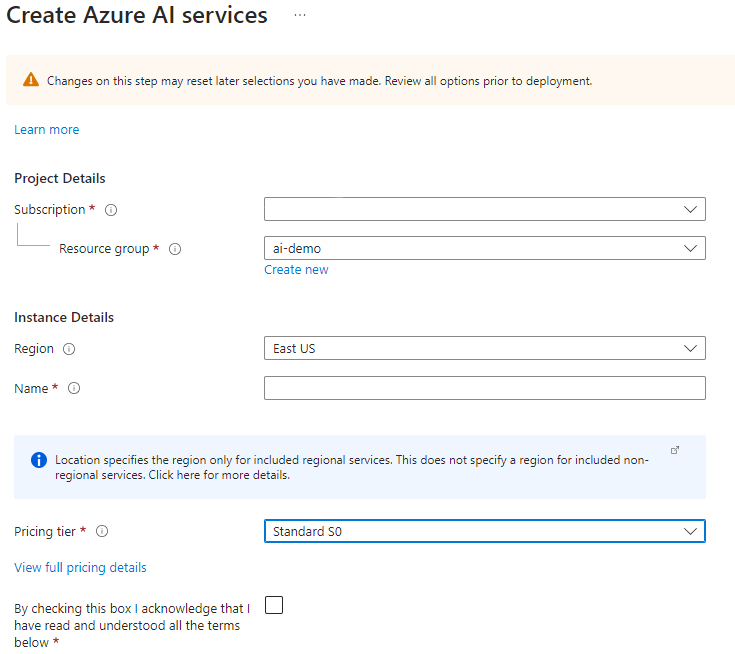
Select a subscription and create a resource group: After signing in, choose the subscription you want to use (if you have multiple), then navigate to the “Resource groups” section. There, you can create a new resource group by specifying a name, region, and other parameters.
Create an Azure AI resource: To create Azure AI services, you can use the search bar located at the top of the Azure portal. Type “Azure AI services” into the search bar, then select the desired service, such as Azure Cognitive Services or Azure Machine Learning. Follow the instructions to create the resource and configure it to meet your needs.
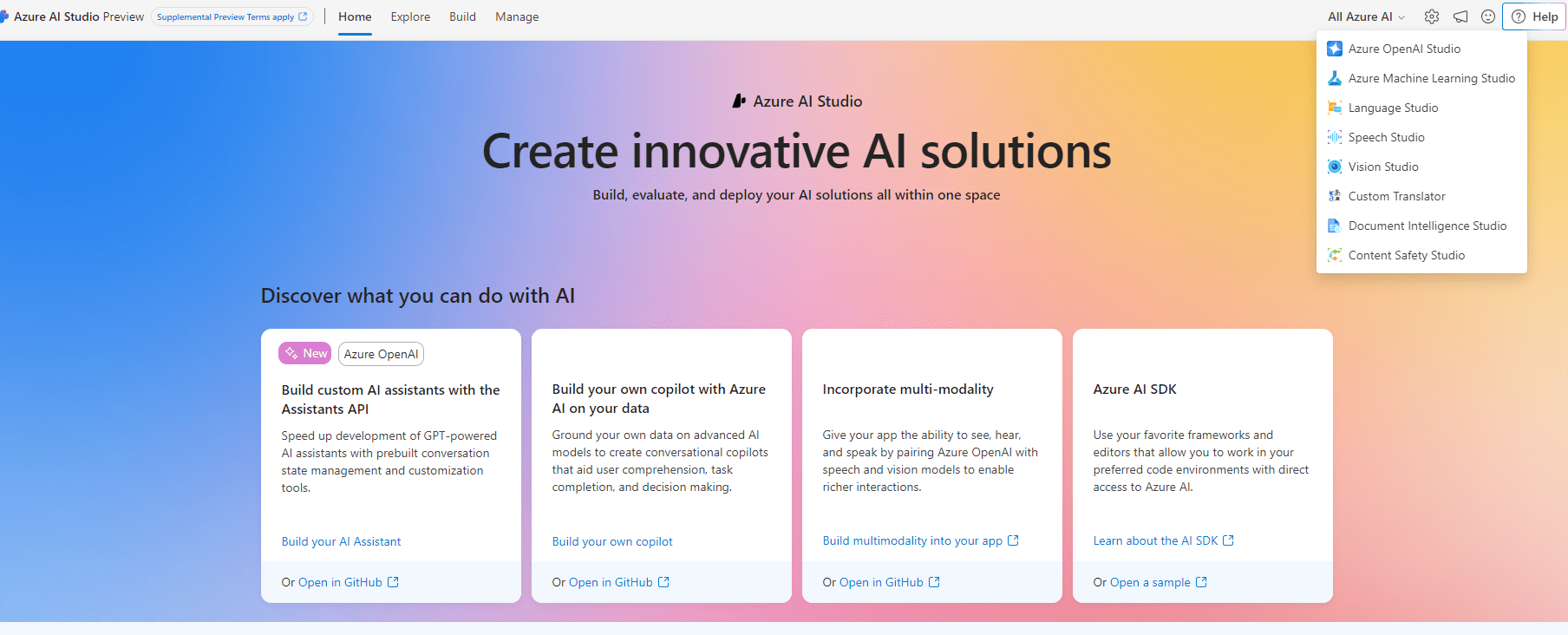
To create the necessary resource, please navigate to Azure AI Studio